Introduction
The modern workplace runs on knowledge but too often, that knowledge is buried in disconnected documents, lost in email threads, or siloed within teams. When employees can’t access the right information at the right time, productivity suffers, decisions get delayed, and valuable insights are wasted.
In a typical organization, employees spend nearly 1.8 hours every day which is roughly 9.3 hours per week, searching for information they need to do their jobs effectively (McKinsey & Company). Multiply that across your workforce, and the cost of disorganized knowledge becomes hard to ignore.
That’s where an AI-powered knowledge base comes in. By centralizing company knowledge and using artificial intelligence to organize, retrieve, and maintain it, organizations can turn scattered information into strategic advantage. Whether you're scaling fast, reducing operational drag, or enabling hybrid teams, an AI knowledge base ensures that knowledge flows as efficiently as your business needs it to.
In this guide, we'll walk you through how to plan, build, and scale an AI knowledge base that drives clarity, consistency, and productivity across your organization.
Why Organizations Need an AI Knowledge Base
Traditional knowledge management systems often fall short. Outdated pages, scattered storage, and manual tagging systems make it hard for employees to find accurate information when they need it most.
Common Challenges:
-
Knowledge hidden across silos (emails, docs, intranet, messaging apps)
-
Difficulty locating reliable, up-to-date content
-
Inconsistent formatting and version control
-
Heavy reliance on a few key knowledge holders
An AI knowledge base tackles these problems head-on by:
-
Offering instant, contextual search with natural language processing
-
Providing real-time updates and personalized content recommendations
-
Automating organization and eliminating duplicate or outdated data
-
Integrating seamlessly into tools teams already use
Key Features of an AI Knowledge Base
 1. Smart Search & AI-Powered Recommendations
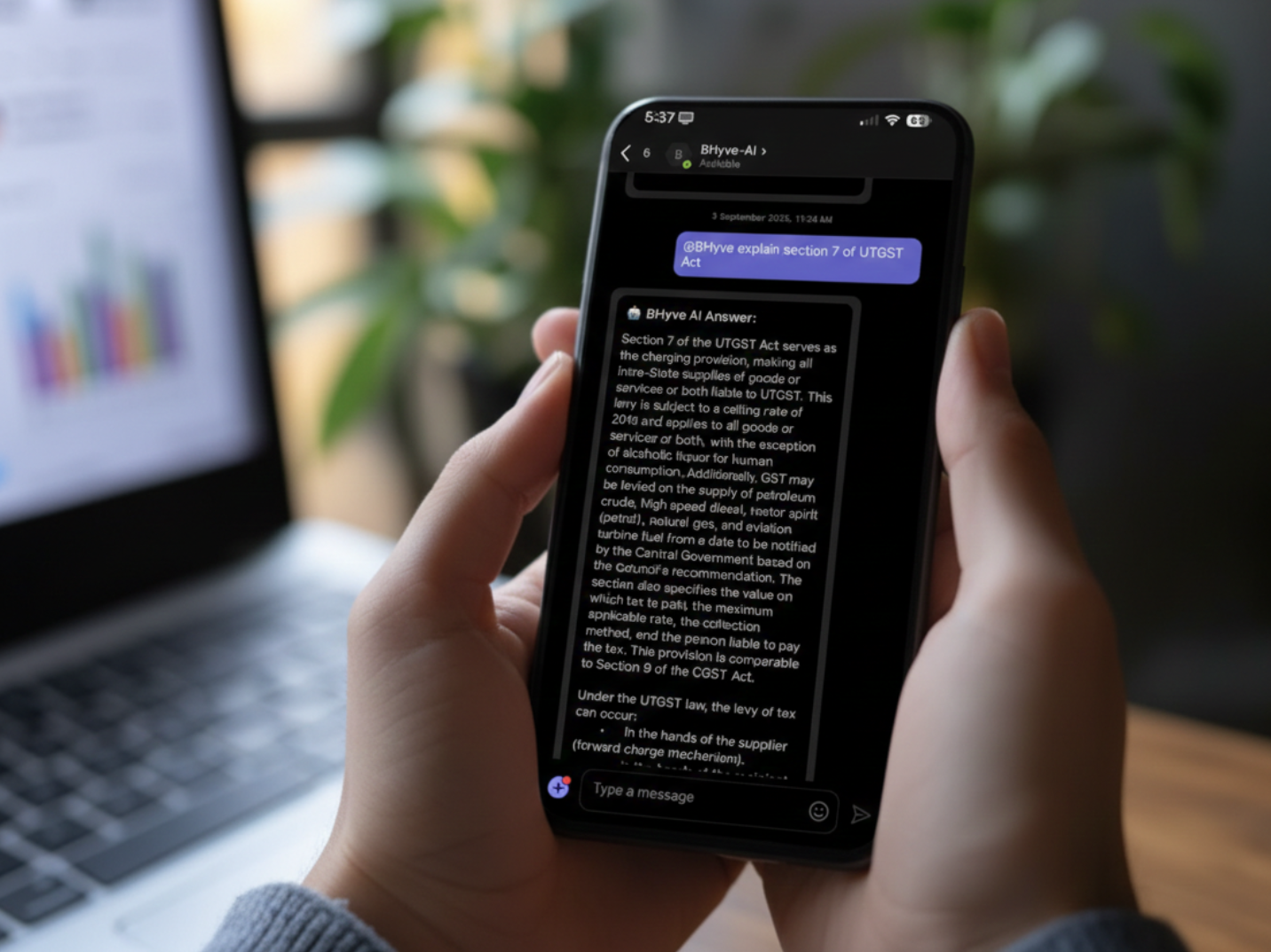
AI understands intent, not just keywords. Users can search in natural language “How do I reset the onboarding process?”and receive the most relevant, verified results instantly. AI also suggests helpful articles or documents based on the employee’s role, history, or task.
2. Centralized Information Hub
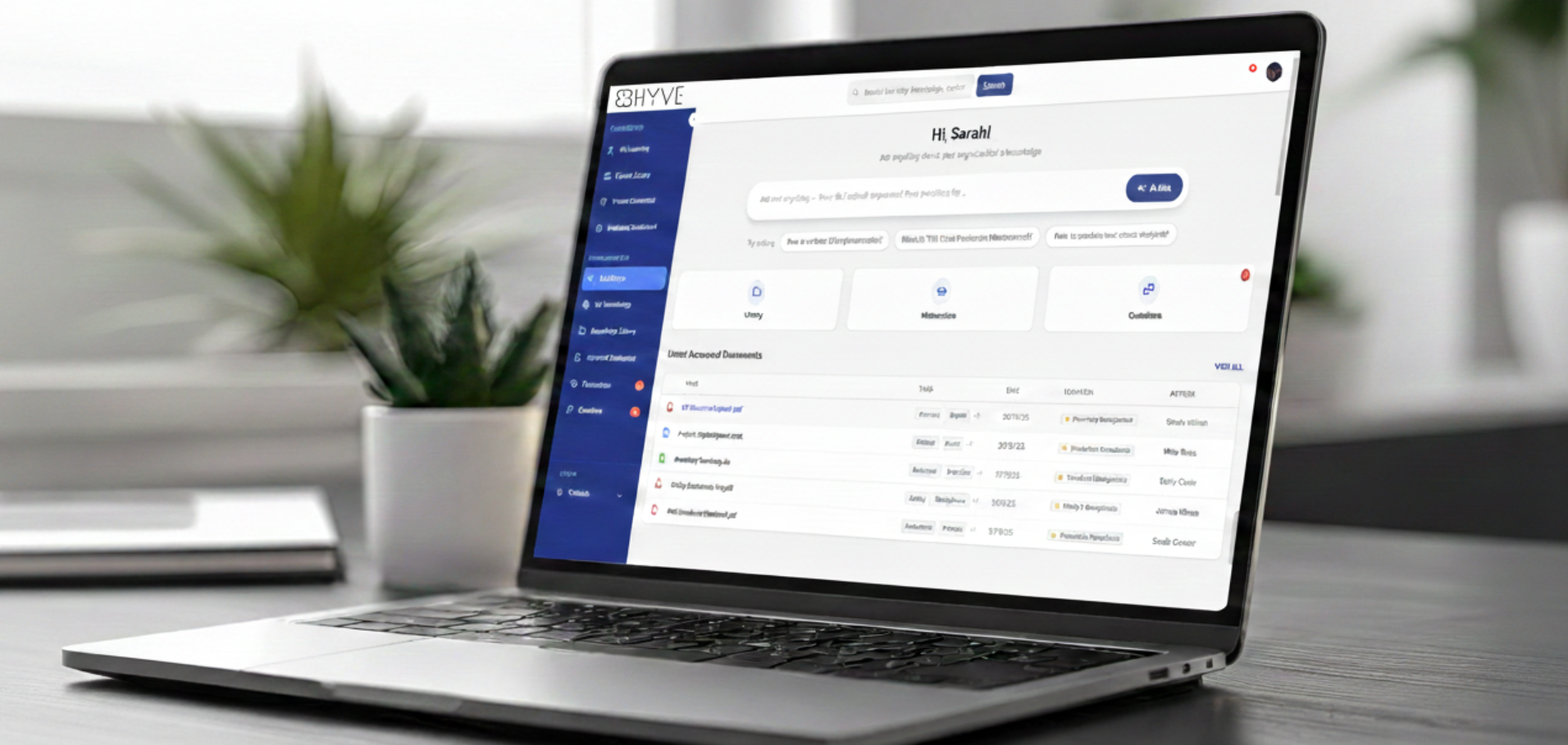
No more hunting through folders or inboxes. An AI knowledge base serves as a single source of truth, housing:
-
SOPs
-
Policies
-
Training manuals
-
Product documentation
-
FAQs and how-tos
This reduces miscommunication and increases operational consistency across teams.
3. Automated Content Organization & Tagging
Manual categorization is time-consuming and error-prone. AI classifies content automatically, adds metadata, and even flags outdated materials for review keeping your knowledge base clean and current without extra admin effort.
4. Seamless Integration with Existing Tools
AI knowledge bases can be embedded within the apps your team already uses: Slack, Microsoft Teams, Google Workspace, CRMs, project management tools, bringing answers right where work happens.
How to Build an AI Knowledge Base for Your Organization
Step 1: Identify Critical Knowledge Areas
Start by pinpointing what your employees search for most:
-
Employee onboarding procedures
-
Troubleshooting guides
-
Project templates
-
Security and compliance policies
-
Product FAQs and use cases
Talk to teams across departments to prioritize the knowledge that will have the biggest impact.
Step 2: Choose the Right AI Knowledge Base Software
Look for a platform that offers:
-
Advanced AI and NLP capabilities
-
Real-time analytics and usage tracking
-
Version control and access permissions
-
API and app integrations
-
Scalability as your team grows
Evaluate options through free trials or pilot programs before full rollout.
Step 3: Migrate and Structure Your Existing Knowledge
Gather knowledge from existing repositories: Google Drive, SharePoint, internal wikis and upload it to your new platform. Use the AI to:
-
Automatically categorize documents
-
Remove duplicates
-
Tag by topic, department, or workflow
Set clear governance for who can edit, approve, and update content.
Step 4: Train AI for Smarter Insights
The more your AI learns from usage, the better it performs. Encourage employees to:
-
Upvote helpful content
-
Report outdated or irrelevant articles
-
Use AI chatbots or search regularly
This feedback loop helps the AI refine recommendations and improve search accuracy over time.
Step 5: Continuously Update & Optimize
Keep your knowledge base fresh with:
-
Automated content review cycles
-
Contributor incentives and gamification
-
Embedded surveys for user feedback
-
Analytics to identify content gaps or trending queries
AI will highlight which articles are underused or outdated, allowing you to take action before information becomes a liability.
Real-World Example – AI Knowledge Base in Action
Honeywell, a multinational industrial company, faced the challenge of managing vast amounts of internal knowledge across its business units. Engineers and field technicians often struggled to find documentation, procedures, or historical issue resolutions when servicing complex systems.
To address this, Honeywell adopted an AI-powered internal knowledge base that combined machine learning and natural language processing to intelligently organize and retrieve technical documentation, service records, and best practices.
Results:
-
Service teams reduced troubleshooting time by up to 40%
-
Knowledge reuse increased, especially for technical and maintenance content
-
Training time for new technicians dropped significantly, due to AI-recommended learning paths and contextual guides
The AI system not only streamlined information access but also helped Honeywell retain institutional knowledge—reducing reliance on senior staff and enabling teams to make faster, more informed decisions in the field.
Conclusion
Creating an AI-powered knowledge base is no longer a luxury, it’s a necessity for modern organizations looking to work smarter, reduce information overload, and empower their workforce.
With AI:
-
Employees spend less time searching and more time executing
-
Knowledge stays fresh, relevant, and accessible
-
Teams collaborate better and onboard faster
-
Organizations future-proof themselves for scale and change